Agentic AI in design workflows
Product designers’ experience of using AI tools.
- Role
- Researcher
- Method
- 5 semi-structured interviews, reflexive thematic analysis
- Context
- Human-AI Interaction, MSc HCI at UCL
Abstract
This study investigated how product designers experience agentic AI tools in their design workflows, focusing on tools such as Claude Code, Figma MCP, Claude Design, Figma Make, Gemini and Bolt. Five semi-structured interviews with students and professional designers were analysed using reflexive thematic analysis.
Four themes emerged: design increasingly starts before Figma, designers delegate speed but retain judgement, AI connects design and code while weakening direct control, and agentic AI expands design roles and creates new professional pressure.
These findings challenge simple automation narratives. Rather than replacing designers, agentic AI tools reconfigure design work by making designers act as orchestrators who prompt, compare, edit and translate between design and code. Design implications include supporting direct manipulation, stronger design-system awareness, transparent version history and clearer privacy controls.
Introduction
Agentic AI tools are increasingly entering product design workflows. Unlike conventional chatbots that mainly respond to prompts, agentic AI systems can perform multi-step tasks, generate artefacts, control software tools, and act with partial autonomy. In design contexts, these tools include AI coding agents, AI prototyping tools and Figma-connected workflows that can generate, critique or revise interface ideas.
This matters because these tools connect activities that were previously separated: brainstorming, wireframing, prototyping, code generation, design-system checking and developer handoff. This may change not only how designers work, but also where design begins and what counts as design expertise.
Prior work in human-AI interaction shows that AI systems are difficult to design with because their behaviour can be uncertain, adaptive and hard to predict (Yang et al., 2020). Amershi et al. (2019) emphasise that users need support for understanding, controlling, correcting and recovering from AI outputs. HCI research also treats machine learning as a design material because it changes how designers imagine and build interactive systems (Dove et al., 2017). These ideas are relevant here because designers are not only designing AI-infused products; they are using AI as part of the design process itself.
Three gaps motivated this study. First, public discussion often focuses on speed and automation, but less on designers’ everyday experiences. Second, design tools are often discussed separately from coding agents, although participants increasingly move between Figma, code repositories and AI chat. Third, little is known about what designers delegate to AI agents and what they still control themselves.
Research question
How do product designers experience the integration of agentic AI tools into their design workflows?
Method
Participants and data
Five participants took part in semi-structured interviews about their experiences with agentic AI tools in product design. Interviews lasted approximately 16 to 31 minutes and were conducted remotely. Participants included students, early-career designers and professional product designers. Their experience ranged from limited startup design experience to several years of product design and engineering work. To protect anonymity, participants are referred to as P1 to P5.
Participants were recruited through convenience sampling from my academic and professional network. All participants gave consent for recording and transcription. They were informed that there were no right or wrong answers, that they could skip questions, and that they could stop the interview at any point.
Interview questions
The interview protocol covered four areas: participants’ background and design experience, how they first encountered agentic AI tools, a recent project or workflow involving these tools, and perceived benefits, barriers, privacy concerns and future role changes.
Questions focused on concrete examples rather than only abstract opinions. For example, participants were asked, “Can you walk me through a recent project where you used these tools?”
Analysis approach
Analysis used Braun and Clarke’s reflexive thematic analysis. I first read all transcripts to become familiar with the data, then created initial codes from participants’ own language and workflow descriptions.
Initial codes
- starts from Claude
- Figma for polish
- AI for PRD
- design-system mismatch
- token cost
- human thinking
- PMs using prototypes
- privacy black box
- role expansion
I then grouped related codes into candidate themes and checked whether each theme captured a meaningful pattern across participants. The final themes were not treated as objective facts emerging from the data, but as researcher interpretations shaped by the research question, interview context and my own position as an HCI student studying human-AI interaction.
Ethics and reflexivity
The interviews focused on professional and educational experiences rather than sensitive personal issues. Transcripts were anonymised and participant names were removed.
As an MSc HCI student interested in AI design tools, I may have been more attentive to productivity gains. To balance this, I actively coded negative cases, including tool abandonment, privacy concerns, token costs, design-system problems and frustration with prompt-based editing. My peer role may also have shaped the interviews, as participants sometimes assumed shared knowledge of tools such as Figma, Claude or MCP.
Findings
Theme 1: Design increasingly starts before Figma
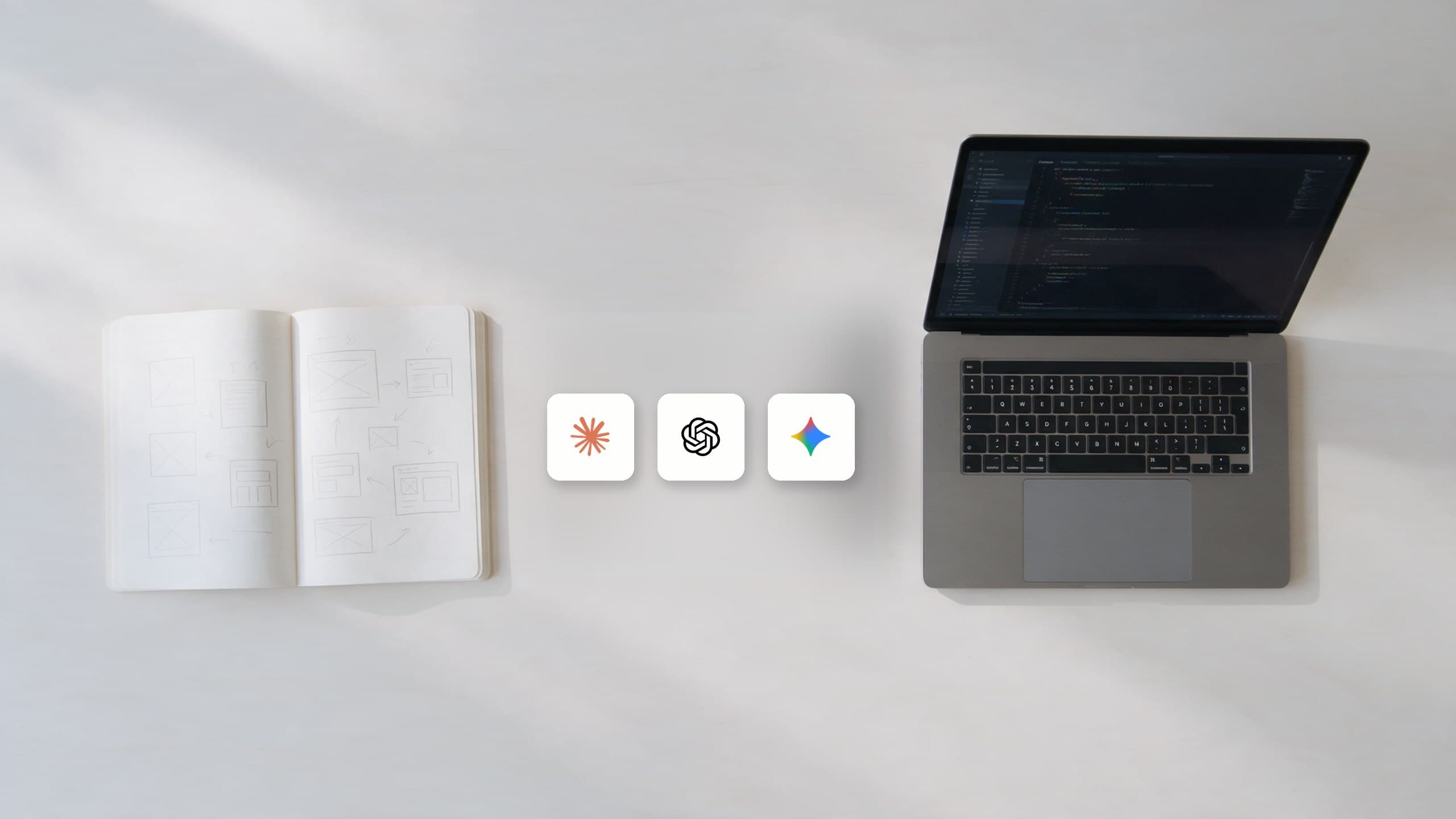
Planning and early design work often started before participants opened Figma. Instead of beginning from a blank Figma canvas, several participants described starting with Claude, Gemini, paper sketches, a PRD, or even a code repository.
“There was a time where everything used to start from a blank Figma canvas. Now that blank Figma canvas has been shifted to a code repository.” (P4)
P2 described Figma as something they use after the initial thinking has already been structured, relying instead on paper and Claude to formalise and structure their thoughts. P5 described a similar AI-first workflow, starting with a PRD, generating a prototype from it, and using that prototype for team discussion.
“I start with Claude, just Claude. I take an approach of having a PRD first.” (P5)
This shows that agentic AI is reorganising the order of design activity. Early design becomes conversational and code-adjacent, while Figma becomes a later-stage space for polish, correction and design-system alignment. This reflects Suchman’s argument that human action is shaped by available artefacts and environments.
Theme 2: Designers delegate speed, not judgement
Participants valued agentic AI mainly for speeding up exploration, prototyping and repetitive checking. However, they did not describe AI as replacing their own design judgement. Instead, they used AI to generate options and then positioned themselves as reviewers, editors and decision-makers.
“I check which one is looking good, what is good in one, what is good in another, then mix it, match it and then create another iteration.” (P4)
P5 explained that AI had compressed early product work: what used to take a week was now “just an hour’s job”. However, the participant did not treat this as full automation. They still brought the work back into Figma because “I want clean design, I want version history”.
P4 made this boundary especially clear when discussing what should remain human-led. They used agents for more deterministic tasks, such as design audits and PR reviews, but for work requiring judgement the designer still had to direct the tool.
“Thinking is cool to human right now.” (P4)
This challenges simple claims that AI will “do design”. In practice, participants used agentic AI as a generator of possibilities, not as a final authority. This also aligns with Schön’s view of design as reflective practice, where practitioners make judgements through cycles of seeing, framing and reframing.
Theme 3: AI connects design and code but weakens direct control
Participants repeatedly described agentic AI as useful because it connects design and code. For some, this reduced the traditional handoff gap between designers and engineers. P4 explained that previously their role ended at final Figma screens and handoff.
“Now I can take it myself to production and build stuff, really contribute to that final.” (P4)
P5 also described a workflow where Claude, Figma MCP and GitHub were connected, taking the repository of their front end, giving prompts, connecting Figma through MCP and pushing the results back to GitHub. This shows how agentic AI tools can create a two-way workflow between design files and implementation environments.
However, this connection also created a loss of direct control. Participants often wanted to edit AI-generated designs manually rather than communicate every change through prompts. P1 liked Claude Design, but editing was frustrating, and every suggested edit took up a lot of tokens.
“I felt like if I can click it and edit it myself, I would have liked it better.” (P1)
P2 described this as cognitive load. The reason was not just speed, but the effort of explaining.
“There is a lot more cognitive load where I have to think about how can I explain this better to Claude and then it will use up my usage tokens to try to generate something that again might not be something that I want.” (P2)
P3 raised a related issue around design-system adherence. AI prototypes were useful at a high level, but “once we start getting into the nitty details of design system, then it struggles a lot”. P3 said they sometimes created “30, 40 iterations to arrive at something which I liked”, and that this “might have taken me a similar time if I had created all of this manually”.
Speed at the macro level can become slowness at the micro level if small visual corrections require repeated prompting. Norman argues that good design should make actions visible, understandable and controllable; participants’ frustrations suggest that many agentic design tools still lack this kind of direct controllability.
Theme 4: Agentic AI expands design roles and creates new professional pressure
Participants did not see agentic AI as only a tool-level change. They also described it as changing expectations around product roles. P1 suggested that design roles may become more generalised, with UI, UX and UI engineering combining into one field, because with AI the coding becomes accessible.
This role expansion was already visible in workplaces. P3 explained that in their company, product managers were being pushed to explore AI design tools, and had run internal demos to support that change.
“PMs should explore design tools. They should be able to ship a prototype with minimal help from designers by themselves.” (P3)
P5 described a broader organisational expectation, that everybody in the team, technical and non-technical, has to start with AI tools. P2 connected role-blurring to organisational expectations, arguing that companies increasingly want people who can own an entire vertical.
“When product managers can now code, when product managers can now design as well, that blurring of lines is definitely something that is encouraged.” (P2)
Participants framed this role expansion both positively and critically. On one hand, AI enabled designers to build more, test more and contribute closer to production. On the other hand, this can increase pressure on designers to cover more areas while still being responsible for craft and quality. Jarrahi argues that AI can support human decision-making, but also changes the distribution of expertise between humans and machines.
“The boundary of engineering, product and design has blurred; everyone is doing kind of each other’s roles in some fashion.” (P4)
Discussion
This study shows that agentic AI is not simply automating product design. Instead, it redistributes work across humans, AI tools and software environments. Participants used AI to accelerate exploration, generate prototypes, produce PRDs, audit design-code consistency and move between Figma and code. However, they retained control over judgement, direction, taste and final quality.
The most significant workflow change was the shift away from Figma as the automatic starting point. Figma became more specialised: a space for polish, version history, component control and final correction. Early ideation increasingly happened in AI chat, code repositories or hybrid AI-code environments.
These findings extend HCI work on human-AI interaction by showing how AI uncertainty appears in design practice. In this study, uncertainty appeared when participants did not know whether tools would respect design systems, preserve layout quality or produce editable outputs.
The findings also support Amershi et al.’s emphasis on controllability and correction. Participants appreciated fast generation, but frustration emerged when small visual changes required repeated prompting. This creates a paradox: tools designed to save time can create extra interaction work. Human-AI design should therefore support both high-level prompting and low-level direct manipulation.
Privacy and trust also remain important. Agentic tools often require richer context than simple chatbots, including repositories, Figma files, screenshots, PRDs and company information. Trust in automation depends on appropriate reliance and user understanding; in design workplaces, this requires clearer privacy models and explanations of what happens to uploaded context.
There are wider social implications. Participants described agentic AI as expanding what designers, PMs and engineers are expected to do. This may empower individuals, but may also intensify work by expecting fewer people to cover more roles. Human-centred AI should therefore be evaluated not only by productivity, but also by how it redistributes labour, responsibility and accountability.
Limitations
The sample was small and recruited through convenience sampling, so findings cannot be generalised to all designers. Participants also had different levels of experience, from students to professionals, which created useful variation but limited direct comparison. Finally, the study relied on retrospective interviews rather than live observation, so participants may have forgotten details or described idealised workflows.
Future work could use screen-recorded walkthroughs, diary studies or observations of designers using agentic AI in real projects. A follow-up study could also compare designers, PMs and engineers to examine how agentic AI changes collaboration across product teams.
Conclusion
This study shows that agentic AI tools are changing product design by moving early exploration away from the blank Figma canvas and into AI-supported, code-adjacent workflows. Designers used tools such as Claude Code, Figma MCP, Claude Design, Gemini and Figma Make to generate PRDs, prototypes, interface variations and design-code checks.
However, participants did not describe AI as replacing design expertise. Instead, they used AI to speed up execution while retaining judgement, direction and final quality control.
The key challenge for future agentic design tools is therefore not full automation, but controllable collaboration: tools must support direct editing, design-system alignment, privacy, version history and clear responsibility across product teams.
References
- [1]Amershi, S. et al. 2019. Guidelines for Human-AI Interaction. CHI ’19.
- [2]Braun, V. and Clarke, V. 2006. Using Thematic Analysis in Psychology. Qualitative Research in Psychology 3, 2.
- [3]Braun, V. and Clarke, V. 2019. Reflecting on Reflexive Thematic Analysis. Qualitative Research in Sport, Exercise and Health 11, 4.
- [4]Dove, G. et al. 2017. UX Design Innovation: Challenges for Working with Machine Learning as a Design Material. CHI ’17.
- [5]Jarrahi, M. H. 2018. Artificial Intelligence and the Future of Work. Business Horizons 61, 4.
- [6]Lee, J. D. and See, K. A. 2004. Trust in Automation: Designing for Appropriate Reliance. Human Factors 46, 1.
- [7]Norman, D. 2013. The Design of Everyday Things: Revised and Expanded Edition. Basic Books.
- [8]Schön, D. A. 1983. The Reflective Practitioner: How Professionals Think in Action. Basic Books.
- [9]Suchman, L. 2007. Human-Machine Reconfigurations: Plans and Situated Actions. Cambridge University Press.
- [10]Yang, Q. et al. 2020. Re-Examining Whether, Why, and How Human-AI Interaction Is Uniquely Difficult to Design. CHI ’20.
Thanks for reading.